Build Dynamic SVG Widgets for Siemens WinCC Unified & WinCC V8+
Upload any SVG. Bind parameters to attributes. Export production-ready .svghmi files. No installation — entirely in your browser.
Compatible with Siemens WinCC
Export production-ready .svghmi widgets for both major Siemens HMI platforms.
TIA Portal — WinCC Unified
Create and import custom dynamic SVG widgets directly into your TIA Portal WinCC Unified projects.
WinCC V8+
Full compatibility with standalone WinCC V8 and newer for classic SCADA applications.
500+ widgets exported
Everything you need to create dynamic HMI widgets
A complete toolkit for building, testing, and exporting SVG widgets for industrial HMI systems.
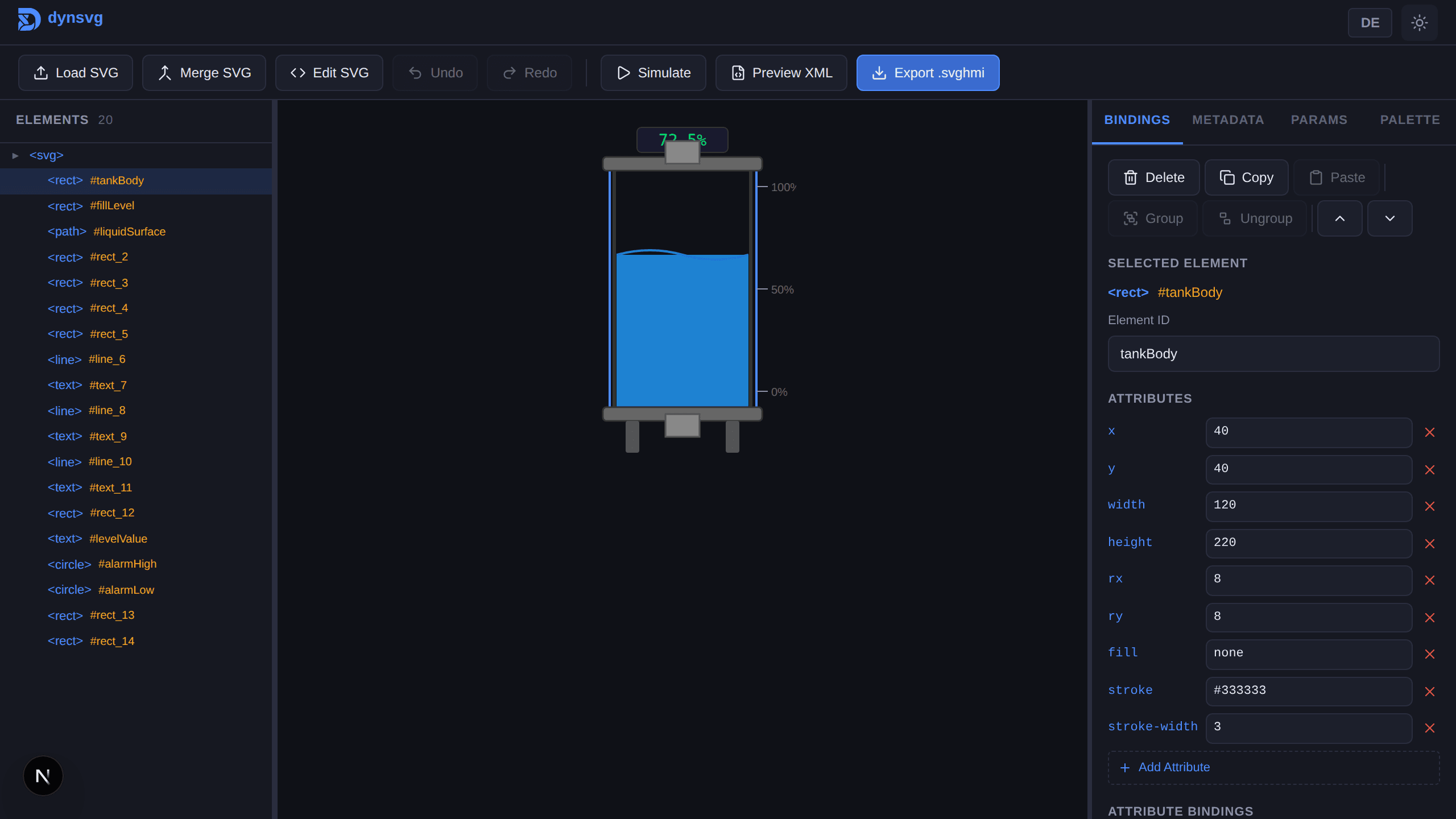
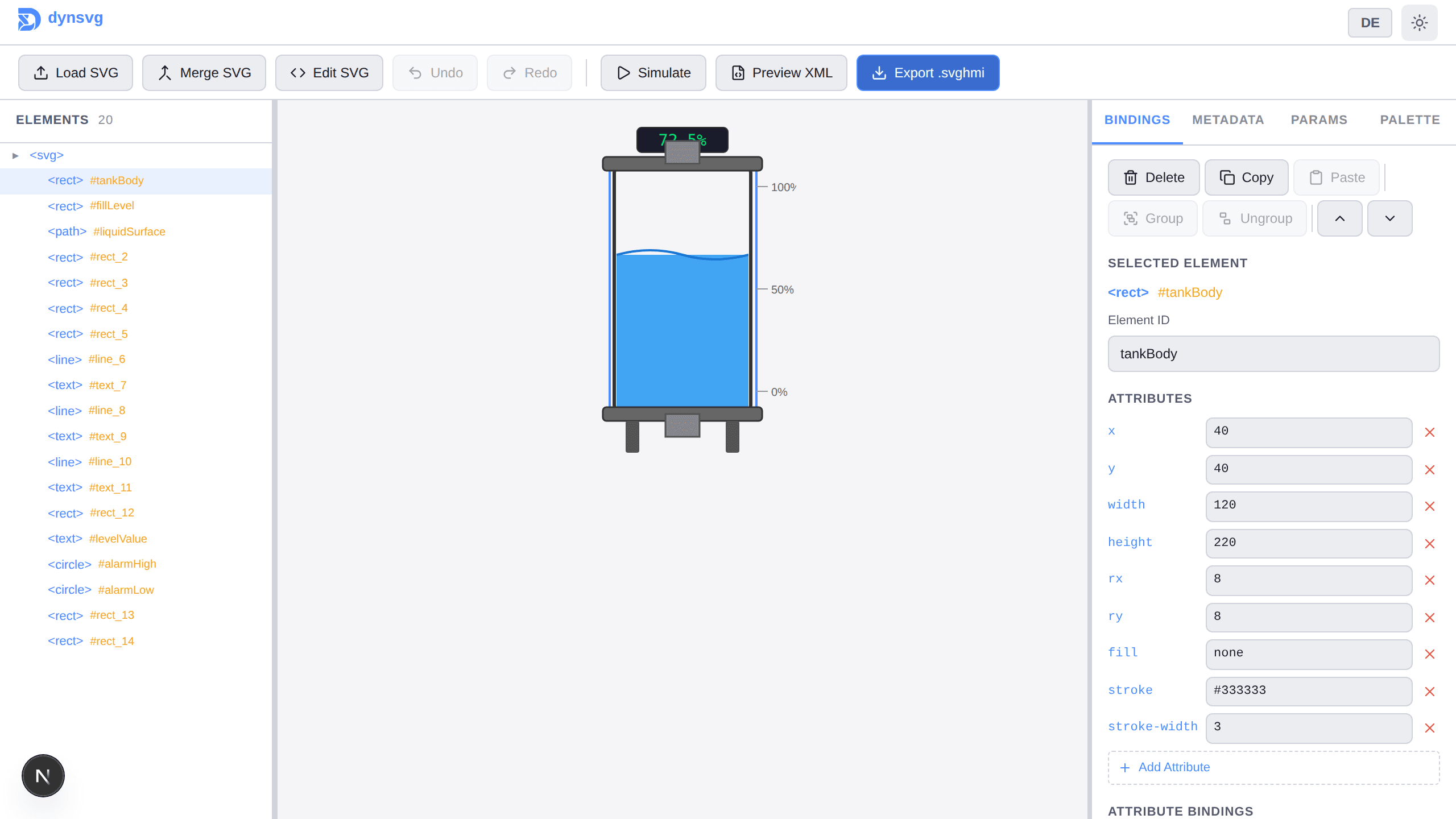
Visual Binding Editor
Click any SVG element to select it. Bind parameters to fill, stroke, visibility, rotation, and 18+ attribute types.
Live Simulation
Preview your bindings in real-time. Type-aware controls — color pickers for fills, sliders for numbers, toggles for booleans.
Siemens .svghmi Export
One-click export with correct HMI namespaces, metadata, and parameter declarations. Drop directly into TIA Portal.
Automatic SVG Cleanup
CSS-to-inline conversion, metadata stripping, automatic ID generation. Your SVGs are production-ready.
Import & Continue
Re-import any .svghmi file to continue editing. No work is ever lost.
Advanced Editing
Copy/paste bindings, group/ungroup elements, reorder layers, and 50-level undo/redo.
From SVG to dynamic widget in four steps
A simple workflow that takes you from a static SVG to a fully dynamic HMI widget.
Upload
Drop any SVG file into the editor. It is automatically cleaned and optimized.
Bind
Select elements visually. Assign parameters to control fill, visibility, rotation, text, and more.
Simulate
Preview your bindings in real time with type-aware controls — color pickers, sliders, and toggles.
Export
Download a production-ready .svghmi file. Import it into TIA Portal WinCC Unified or WinCC V8+.
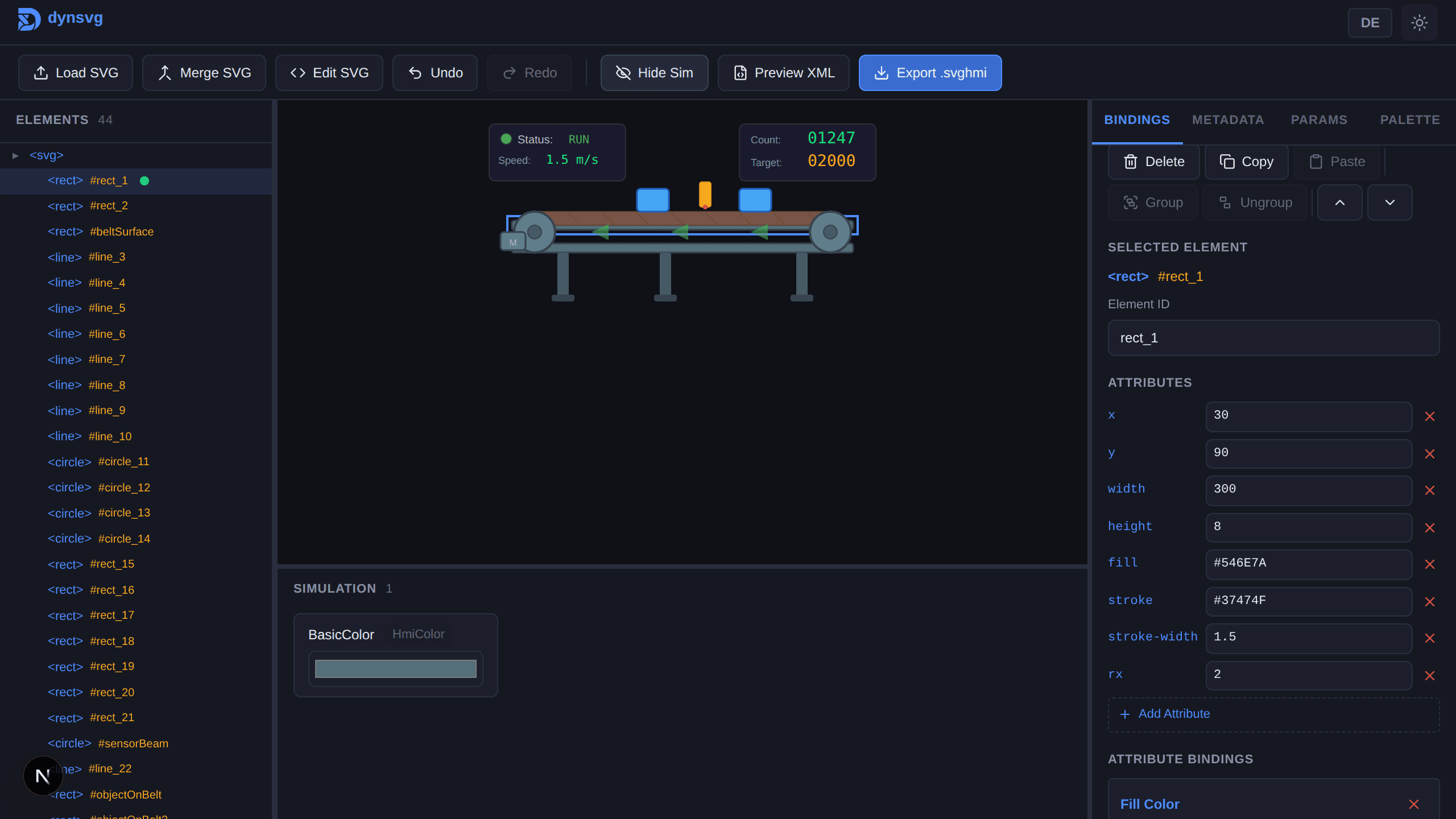
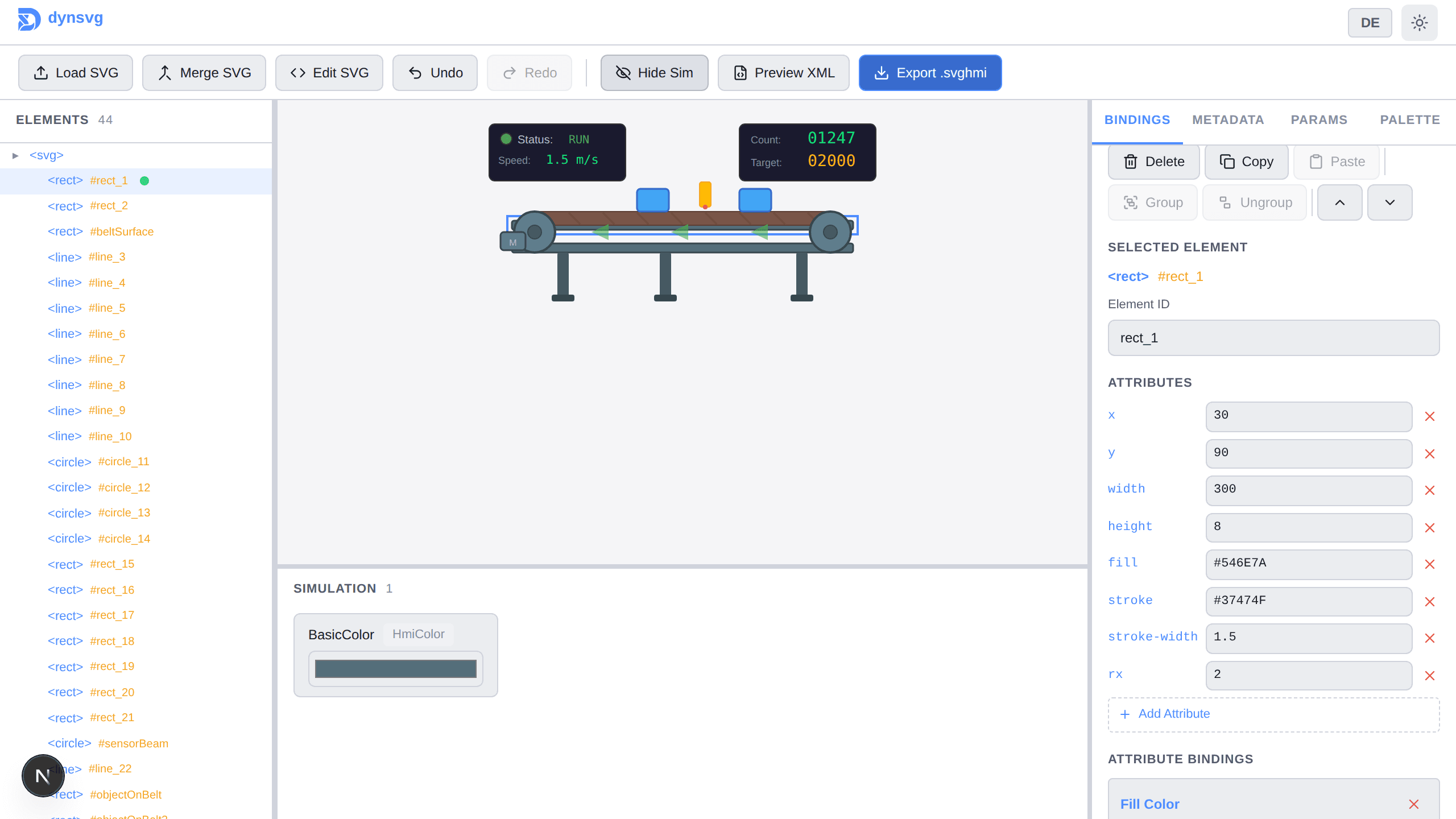
The complete binding editor — right in your browser
Try it now18+ binding types for complete control
Every attribute you need to make your SVG widgets truly dynamic.
Simple, transparent pricing
Start building for free. Upgrade when you need more.
Free
Everything you need to get started
- Up to 3 bindings per widget
- Free account, no credit card required
- Full export capability
- .svghmi file format
- All binding types
Personal & educational use only. Terms apply.
Start FreePro
For power users and teams
- Unlimited parameters
- Priority support
- Early access to new features
- Custom export templates
- Team collaboration
Start building dynamic widgets today
No installation. Just open the editor and start building.